

The modern digital landscape demands more from our internet connections than ever before. Whether you are hosting a high-stakes Zoom presentation from a home office in Lagos, streaming 4K content in the evening, or managing mission-critical cloud applications for an enterprise, network lag is not just annoying—it is costly.
As remote work and high-bandwidth entertainment become deeply embedded in Nigerian business and lifestyle cultures, standard internet packages often struggle under the weight of simultaneous connections. Achieving a seamless online experience requires a mix of proper hardware configuration, smart bandwidth allocation, and choosing the right foundational infrastructure.
This comprehensive guide breaks down how to optimize your internet for peak performance, ensuring your connection never drops when it matters most.
Understanding the Anatomy of Internet Performance
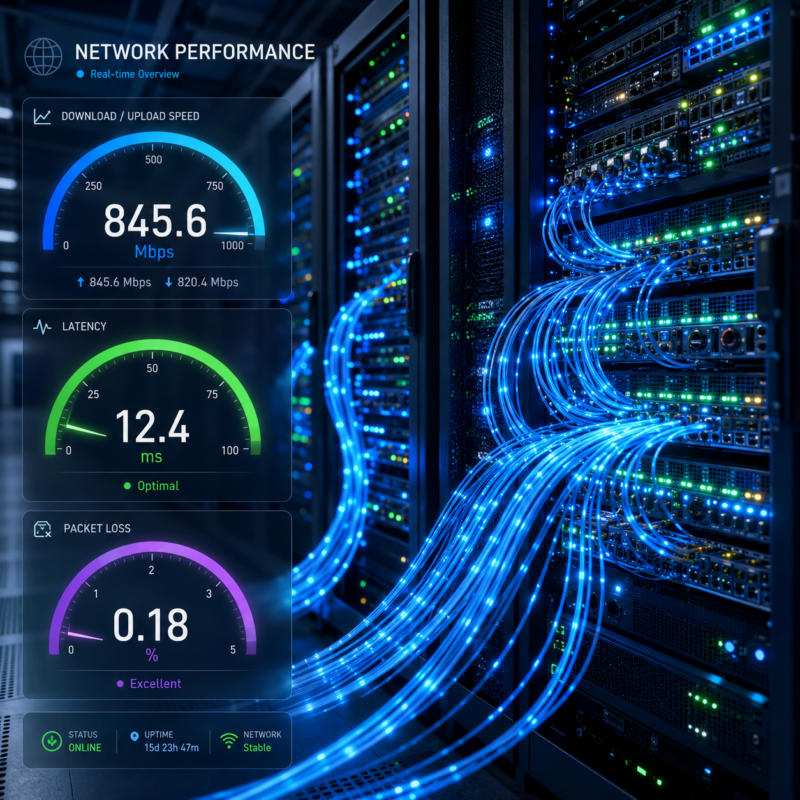
Many users equate internet quality solely with download speed. However, overall performance relies on three core metrics: bandwidth, latency, and packet loss.
- Bandwidth refers to the maximum amount of data your connection can transmit per second, measured in Megabits per second (Mbps).
- Latency (Ping) measures the round-trip time it takes for data to travel from your device to a server and back. Low latency is critical for real-time applications like Microsoft Teams calls or live streaming.
- Packet Loss occurs when data units fail to reach their destination, causing choppy audio and sudden dropouts during online meetings.
For Nigerian professionals using cloud ecosystems like Google Cloud or executing workloads on virtual environments, managing these metrics is essential to preventing productivity bottlenecks.
Actionable Steps to Optimize Your Local Network
1. Upgrade to a Wi-Fi 6 or Wi-Fi 7 Router
Older routers operating on Wi-Fi 4 or 5 standards get easily congested when multiple devices connect at once. Upgrading to a modern router introduces technologies like OFDMA (Orthogonal Frequency-Division Multiple Access), which allows the router to serve multiple devices simultaneously without queuing lag.
2. Ditch the Wireless for Crucial Tasks: Use Ethernet
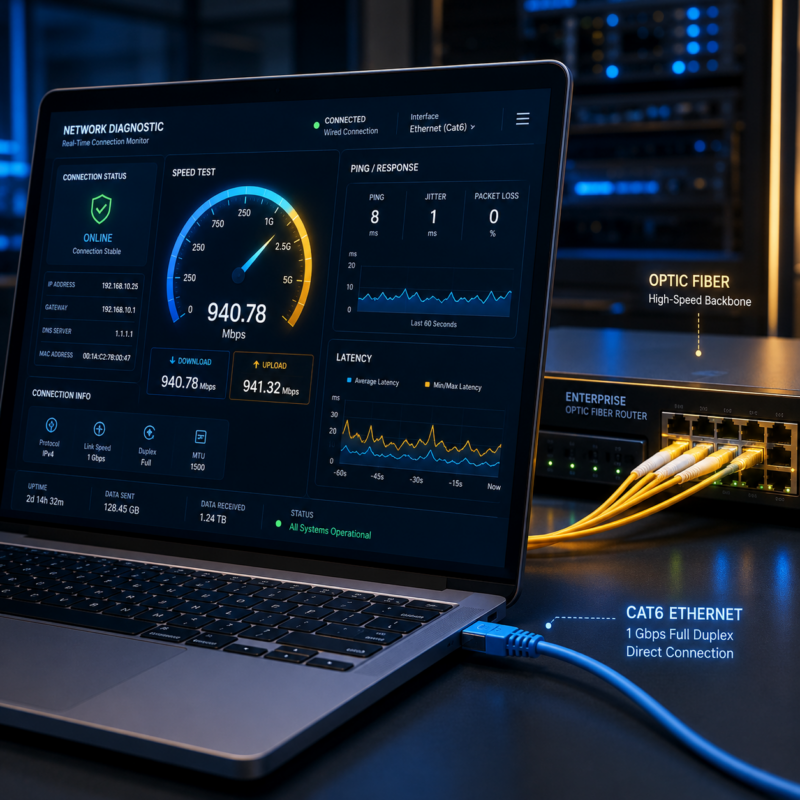
While Wi-Fi is convenient, it is highly susceptible to physical obstructions, radio frequency interference, and distance degradation. For high-priority remote work and uninterrupted streaming, connecting your laptop or smart TV directly via a Cat6 or Cat7 Ethernet cable completely eliminates wireless latency and packet loss.
3. Implement Quality of Service (QoS) Rules
Most modern routers feature a setting called Quality of Service (QoS). This allows you to prioritize specific types of network traffic over others. By accessing your router’s dashboard, you can assign high priority to voice and video traffic (like Zoom, Teams, or Webex) and low priority to background downloads or software updates. This ensures that even if someone else on your network starts a massive download, your video conference remains crystal clear.
4. Optimize Router Placement and Channels
If you must use Wi-Fi, place your router in a central, elevated position away from concrete walls and heavy appliances. Additionally, use router configuration settings to switch from the congested 2.4 GHz band to the wider 5 GHz or 6 GHz bands. You can use free network analyzer apps to identify and select the least crowded channel in your area.
Elevating Enterprise Connectivity: Beyond Standard Broadband
For businesses, small offices, and demanding remote setups, relying on consumer-grade broadband often falls short. When multiple users share a single pipeline, contention ratios (the number of users sharing the same data capacity) can slow speeds during peak business hours.
The Power of Dedicated Internet Access (DIA)
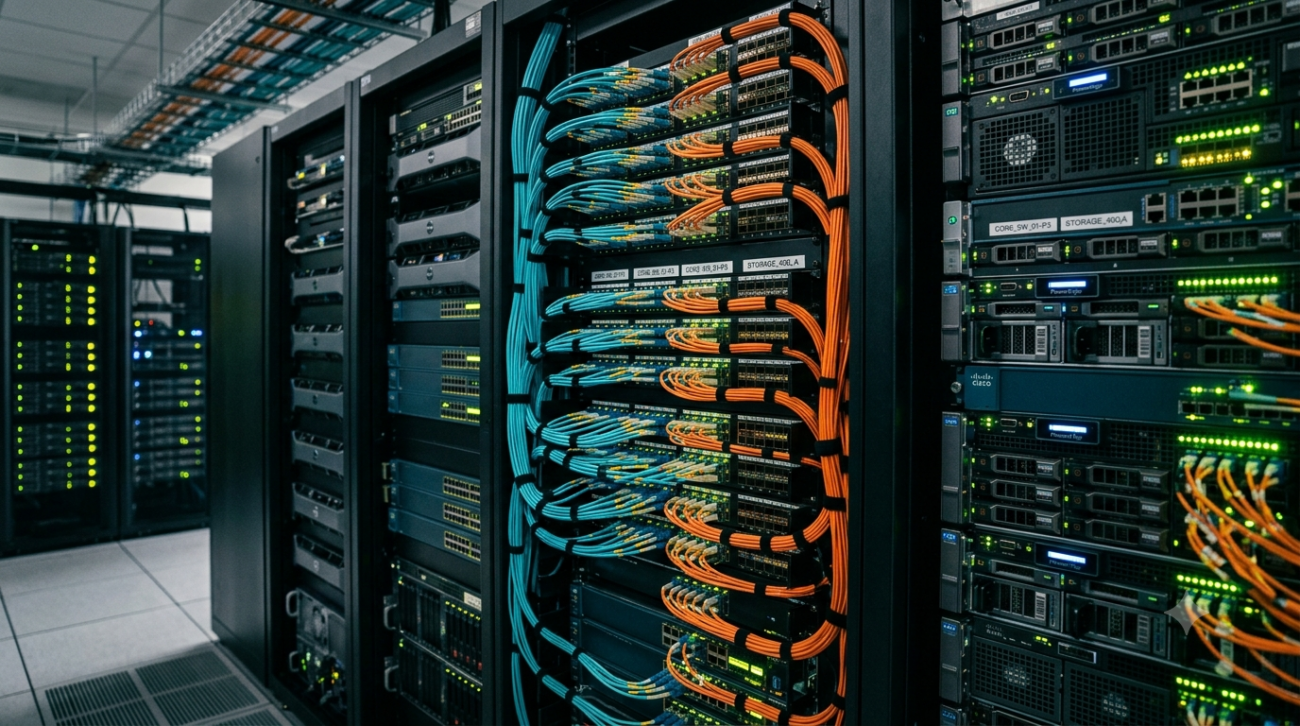
To guarantee performance, forward-thinking organizations deploy an Internet Leased Line. Unlike standard broadband, a leased line provides a dedicated, uncontended fiber optic pipeline directly to your premises. This guarantees symmetrical speeds—meaning your upload speed is just as fast as your download speed. Symmetrical bandwidth is the hidden engine behind lag-free video broadcasting, rapid cloud backups to Amazon Web Services (AWS), and seamless multi-site collaborations.
Strategic Failover and Redundancy
No matter how stable a network is, physical fiber cuts or regional provider outages can occur. True network optimization means building redundancy. Combining a primary fiber connection with a secondary high-speed link ensures automatic failover.
For businesses and estates operating across Nigeria, integrating advanced satellite solutions like Starlink Satellite Internet serves as an ideal, low-latency backup system that keeps operations online even during major terrestrial infrastructure disruptions.
The Role of Next-Gen Edge Networks
A significant portion of internet optimization happens far beyond your router. Content Delivery Networks (CDNs) play a massive role in how fast web pages load and how smoothly video streams. Platforms like Cloudflare operate distributed edge servers worldwide. When an ISP partners or peers directly with these edge networks, it drastically reduces the distance data needs to travel.
For the end-user, this translates to near-instantaneous load times for web applications and rapid buffer times for streaming video platforms, making localized peering a vital metric when selecting an enterprise internet provider.
Frequently Asked Questions (FAQs)
What internet speed do I need for smooth remote work and video conferencing?
For a single user, a minimum of 10-25 Mbps download and 5-10 Mbps upload speeds are recommended for HD video calls and cloud tasks. However, if multiple people are streaming or working simultaneously on the same network, a robust Home Broadband plan of 50 Mbps or higher is ideal to prevent congestion.
Why does my internet slow down in the afternoon and evening?
This is typically caused by “network congestion” or high contention ratios. During peak hours, thousands of users in your area connect simultaneously, stretching the ISP’s local infrastructure. Upgrading to a dedicated Internet Leased Line eliminates this issue entirely, as your bandwidth is 100% reserved for your exclusive use.
Can I use Starlink for business connectivity in Nigeria?
Yes, Starlink provides an excellent high-speed, low-latency satellite internet solution, especially in areas where physical fiber infrastructure is unavailable or unreliable. It serves as an exceptional primary connection for remote locations and a reliable backup link for urban enterprises.
How does latency affect online meetings compared to download speeds?
Download speed dictates how much data you can pull at once, while latency dictates how quickly that data transfers. High latency causes that awkward “talking over each other” delay during Zoom or Teams calls, even if your download speed looks high on a speed test.
Transforming Your Connectivity Experience
Optimizing your hardware, tweaking your settings, and routing traffic correctly will maximize your local network’s potential. However, your internet experience is ultimately capped by the quality of the pipeline entering your building.
TecPoint Global Solutions delivers high-performance internet architecture tailored specifically for the Nigerian market. From ultra-reliable Home Broadband packages to highly secure Enterprise Connectivity and dedicated Internet Leased Lines, TecPoint eliminates the bottlenecks that disrupt your productivity. By integrating advanced infrastructure, managed IT services, and resilient satellite backups, TecPoint ensures your connection remains fast, symmetrical, and always online.
Ready to eliminate lag, buffering, and dropped calls for good? Contact the enterprise networking experts at TecPoint Global Solutions today to deploy a tailored connectivity blueprint for your home, estate, or business.